Errors & Availability
The Errors & Availability dashboard displays error and status messages from the machine. This dashboard is used to find out what errors are happening at a site or on a machine. It also provides information about site or machine availability by determining what percentage of time a machine spends in different states.
Availability is found with the following formula:
Availability = Available time / Total time x 100
Available time is the total time a machine spent in Online, Paused, Out of Corrugate, and Out of Labels states.
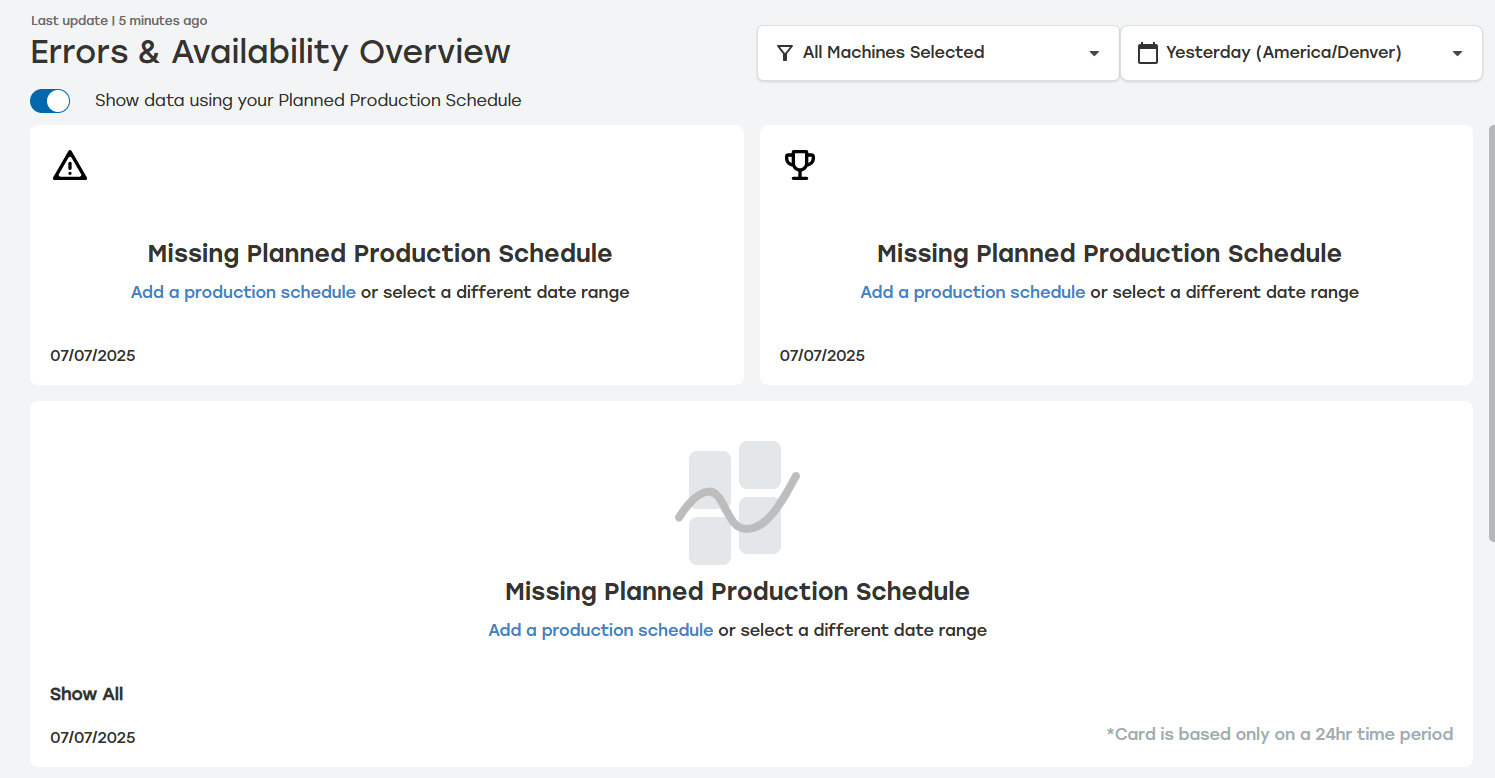
The Errors & Availability dashboard is most accurate when Planned Production schedules have been established. When Planned Production schedules haven't been established for the set time frame, the Errors & Availability dashboard will indicate no entries have been set. Users can see the data without Planned Production by turning off the switch at the top of the dashboard. For more information on Planned Production, see Planned Production.
 |
The Errors & Availability dashboard requires a Professional or Enterprise Reporting license. For users to gain access to the Errors & Availability dashboard, they must have the appropriate reporting license and the Access Machine Errors & Availability Reporting Permission added to their role. For information on updating Roles, see the Roles.