Complete a Search
Select a Status or leave as All to see all statuses.
When desired, enter a Filter and select whether the filter is a Title or Barcode.
Select the Date Range dropdown arrow, and enter the date range by doing one of the following:
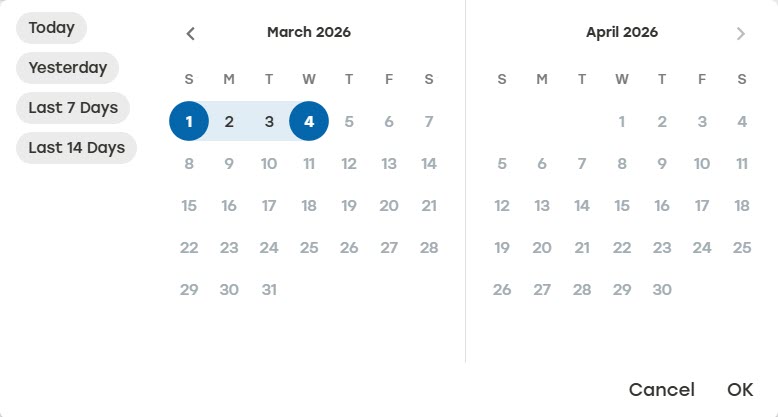
Select one of the predefined date ranges. The date range will be applied instantly.
Select Custom to define a unique date range. Select OK to apply the custom date range.
Select Search.
View the available data for the set time frame.
Title: Name of the job
Record type: Most recent state the job was in
Design ID: Package design used to produce the cartons
Quantity: Number of cartons to produce for the job
Date: Date and time the carton entered this state