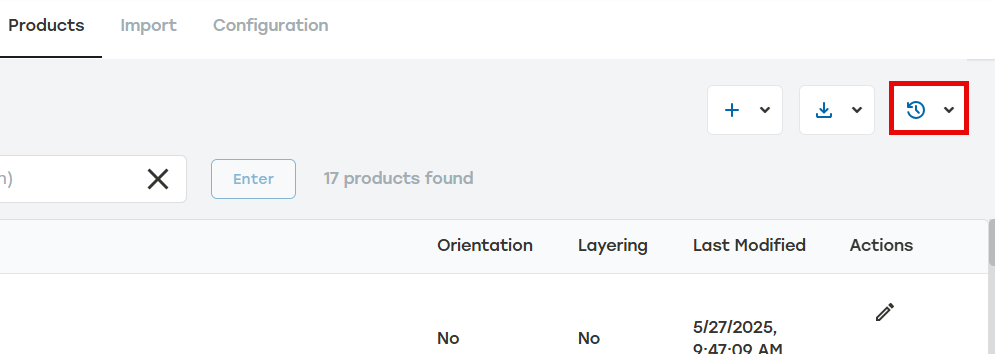
File Name: A unique file name of the file being uploaded. This name is created by the file creator.
Date: The date that the files were uploaded.
Status:The current status of the files. There are three different statuses.
Completed: All files have been successfully uploaded.
Importing: Files are being actively uploaded. This is usually only seen when large files are being imported.
Incomplete: At least some data did not upload successfully. Selecting the Incomplete status will download a CSV file listing any errors in each row that was not successfully imported.
Failed: None of the data in the file uploaded successfully. Selecting the Failed status will download a CSV file listing any errors in each row that was not successfully imported.
Product Quantity: The total number of items currently uploaded in a single import event.