PackNet DIM Import User Interface
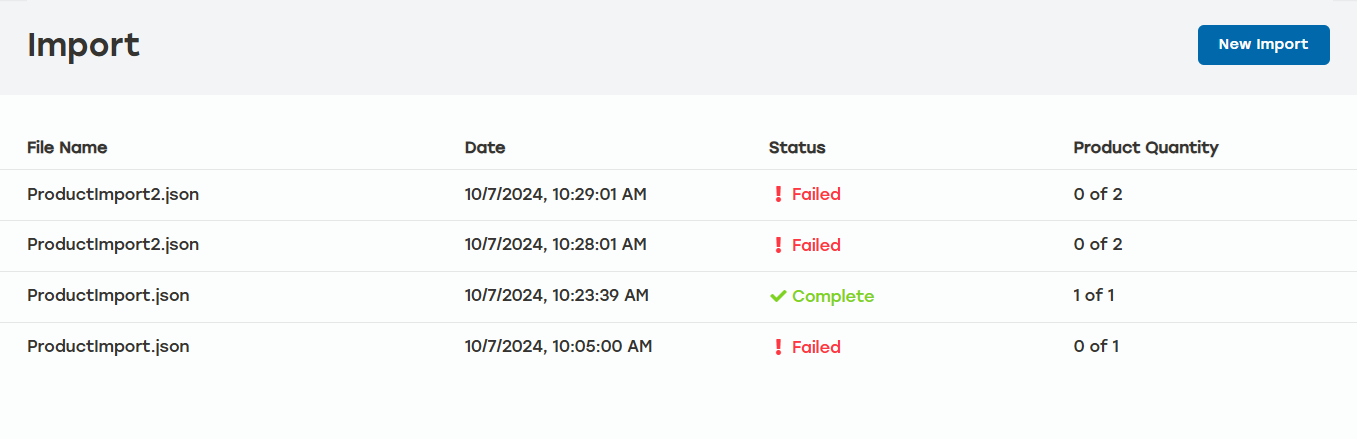 |
The PackNet DIM Import UI allows users to perform other tasks while JSON or CSV files are being imported.
The Import screen displays four columns:
Import Products via DIM UI
Go to Import within PackNet DIM.
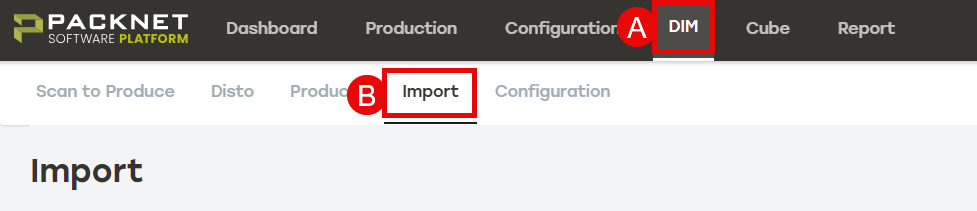
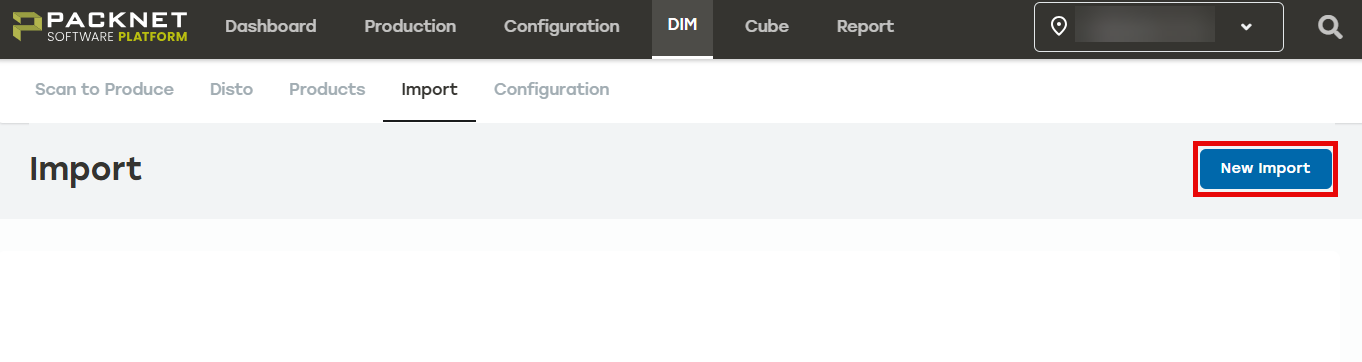
Select New Import.
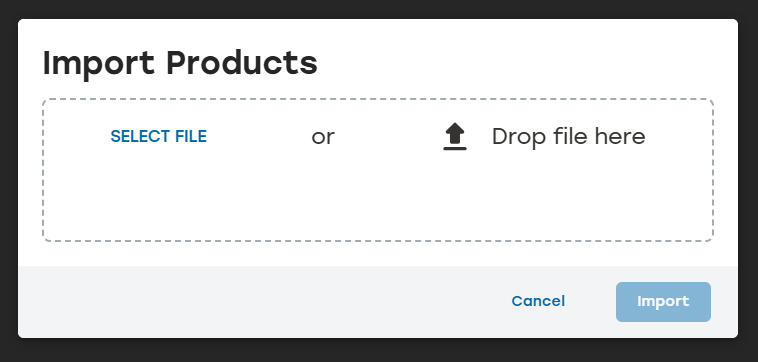
Drag and drop a JSON or CSV file or use Select File to go to the desired JSON or CSV file.
Below is an example of a JSON file.
[
  {
    "identifiers": {
      "SKU": "99990000"
    },
    "Description": "Regulation Softball",
    "dimensions": {
      "length": 5,
      "width": 5,
      "height": 5
    }
  },
  {
    "identifiers": {
      "SKU": "99990001"
    },
    "Description": "Baseball bat",
    "dimensions": {
      "length": 33,
      "width": 3,
      "height": 3
    }
  }
]
Once the file is selected, select Import.