Integration Types
PackNet will send event notifications using AMQP or Webhooks.
AMQP
Notification messages containing a JSON payload will be delivered to the customer’s AMQP 0.9.1 instance to the configured exchange using a unique routing key for each message type.
Packaging Solution Status events are published with the routing key as follows:
Message Type | Routing Key |
|---|---|
Imported | ImportedStatus |
Staged | StagedStatus |
Selected | SelectedStatus |
Produced | ProducedStatus |
Retracted | RetractedStatus |
Import Failed | ImportFailedStatus |
Staging Failed | StagingFailedStatus |
Note
Machine group status events are published with the MachineGroupStatus routing key.
Configuring a subscription using the AMQP integration type requires the following:
URI: A valid AMQP or AMQPS URI to the customer’s AMQP instance.
Username: The username of an account that is configured with permission to publish messages.
Password: The password used to authenticate the specified user.
Exchange Name: The name of the exchange to publish messages to. It is recommended for this to be a topic exchange.
For convenience, the username and password fields are populated using information contained in the URI when specified.
Webhook
Notification messages containing a JSON payload will be delivered to the customer’s Webhook application via an HTTP POST request to the configured URL.
Configuring a subscription using the Webhook integration type requires the following:
URL: A valid HTTP or HTTPs URI that will allow HTTP POST requests from PackNet.
Authentication Type:
Basic: Requires a username and password to verify the identity of the request.
HMAC: Input an optional secret value to create an HMAC. When provided, the HMACSHA256 algorithm is used to create the HMAC, which is sent in the "x-packsize-signature" header as a based64 encoded string. This header is not included in the request if the Secret field is not set.
OAuth: Currently, only the Password Grant flow is supported. For the Password Grant flow, input a Token URL, Client ID, Client Secret, Username, and Password.
None: No authentication is used.
The secret will create a signature between the sender and the receiver, therefore the authentication of source and destination of webhooks is implicit because both ends are involved in the verification process. Signature verification is also the only authentication strategy with a method for preventing replay attacks. The process for this authentication can be summarized as follows:
A secret key is known by both the webhook producer and consumer.
When sending a webhook, the producer uses this key and a cryptographic algorithm (HMACSHA256) to create a cryptographic hash of the webhook payload. This is the webhook's unique signature.
The signature is sent in a custom header (x-packsize-signature) along with the webhook request.
When the webhook arrives at the webhook URL, the receiving application takes the webhook payload and uses the secret key and the cryptographic algorithm (HMACSHA256) to calculate the signature.
IoT Module
Event Notifications can also be set up to call either a webhook or AMQP delivery from the IoT module running on the customer's network. This is helpful for cases where the customer does not want to expose their API to the public internet.
In order to set it up, an administrator or an SIE needs to access Tenant Management and add an Edge Device to a tenant. The Edge Device will automatically get the Edge Module.
Note
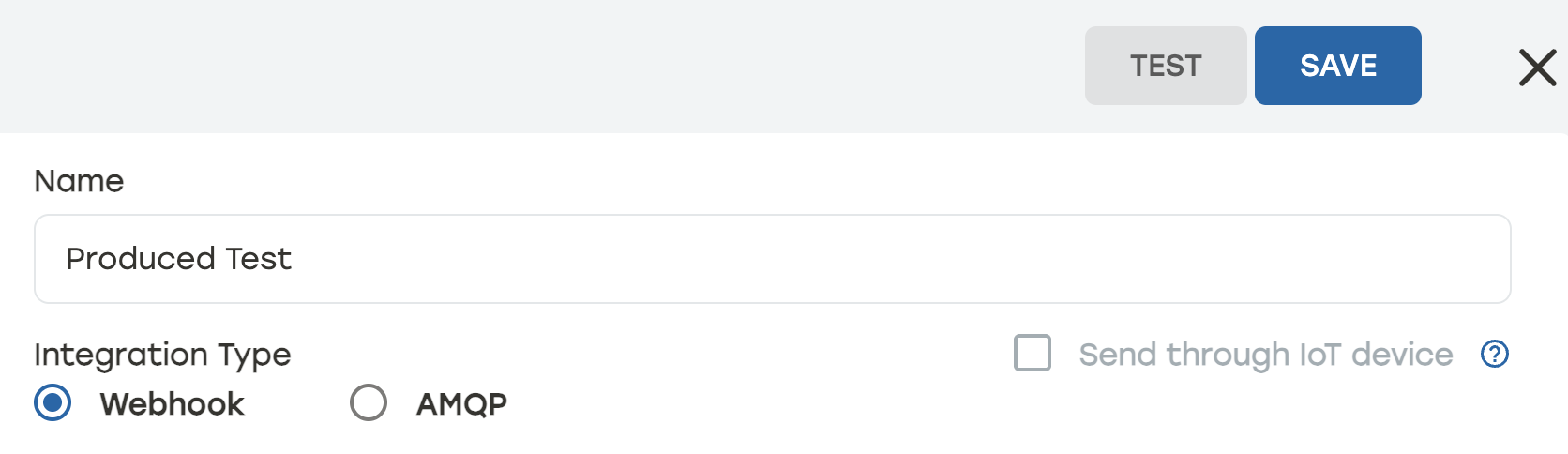
Once this is set up, in the subscription settings for the Event Notification, the user can check Send through IoT device to use the IoT module.
 |