Exporting Products
Users can export a CSV or JSON file containing the products from their instance of DIM. Users can export all products or select specific products to export.
Exporting All Products
Go to the Products tab in DIM.
Select the Export menu.
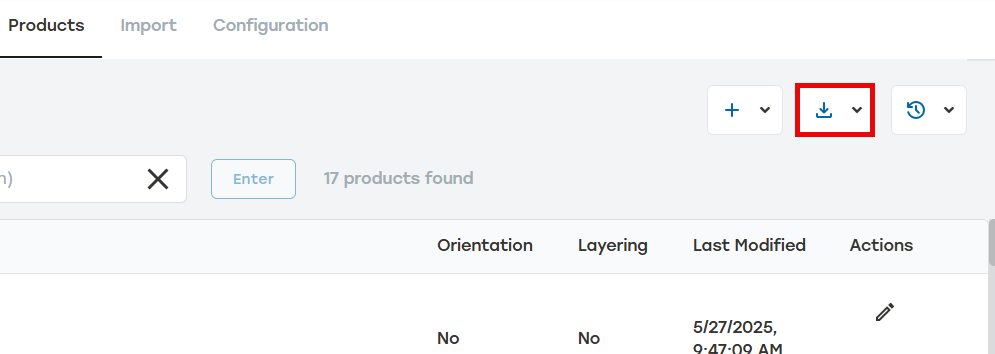
Select Export all products to JSON or Export all products to .csv.
A file in the selected format will be downloaded.
Exporting Selected Products
Go to the Products tab in DIM.
Select the boxes to the left of the products that need to be exported.
Select Export.
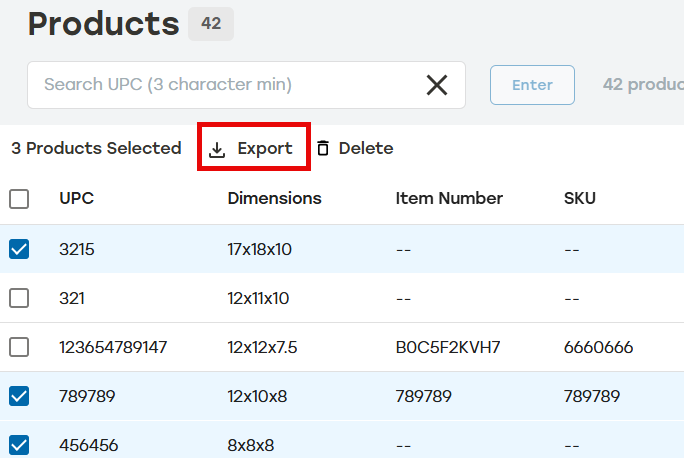
Select Export selected products to JSON or Export selected products to .csv.
A file in the selected format will be downloaded.