Products
The Products page displays a list of the most recently updated products in the database up to 100 entries, allowing specific products to quickly be found. The attributes listed for each product are the ones that have been selected on the Configuration page (see Attributes for more information). Using the search bar, enter a unique identifier to find a specific item.
Note
Users can only search for products against unique identifiers. Products cannot be searched against name or description.
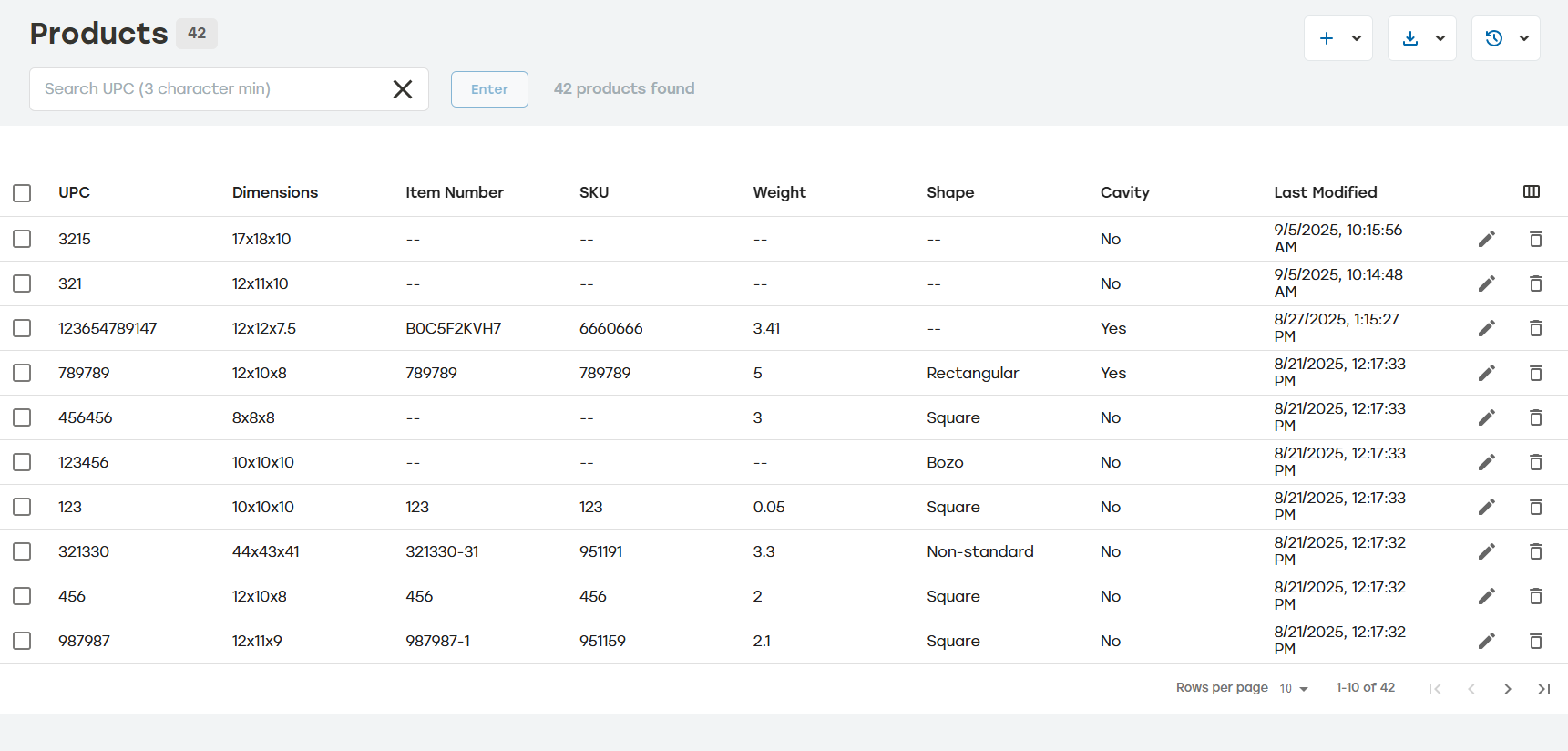 |
Attributes can be hidden by selecting the Show/Hide Columns icon (highlighted in red below) and turning on or turn off the attributes. This list can also be used to change the order of the attributes by dragging an attribute to a new location in the list.
Making changes in the Show/Hide Columns menu only changes the appearance of the Products page. It does not change settings on the Configuration page.
 |