Resetting a Password
Using the touchscreen operator panel, go to PackNet by selecting the Google Chrome web browser icon on the desktop.
Enter the URL provided by Packsize in the browser address bar, and then select Enter.
In the Email box, enter a user email, and then select Next.
Select Forgot Password?
Enter the user email, and then select Next.
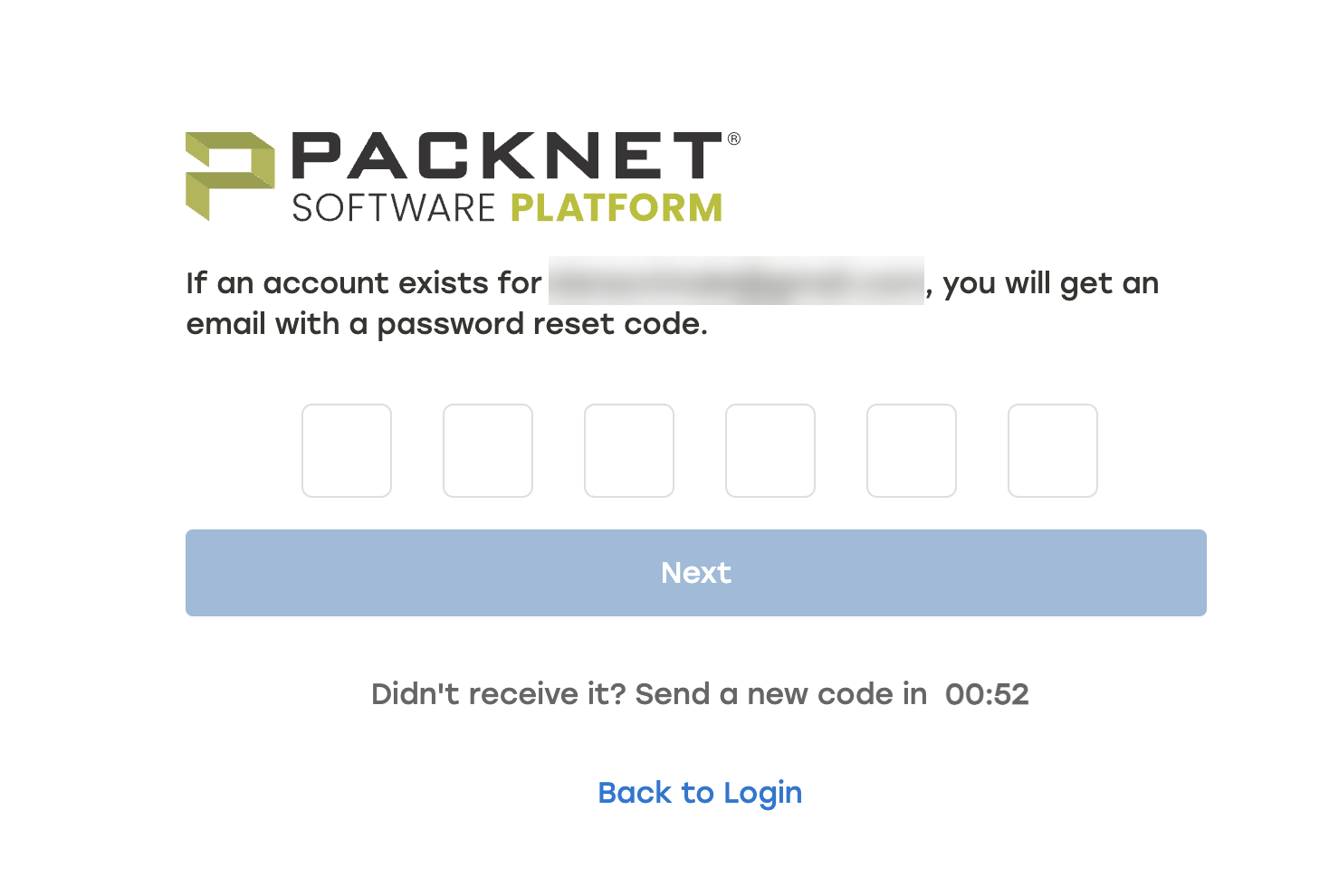
A password reset email with a random, six digit code will be sent to that email.
Enter that six digit code, and then select Next.
Enter a new password, and then select Change Password.