Raw Data
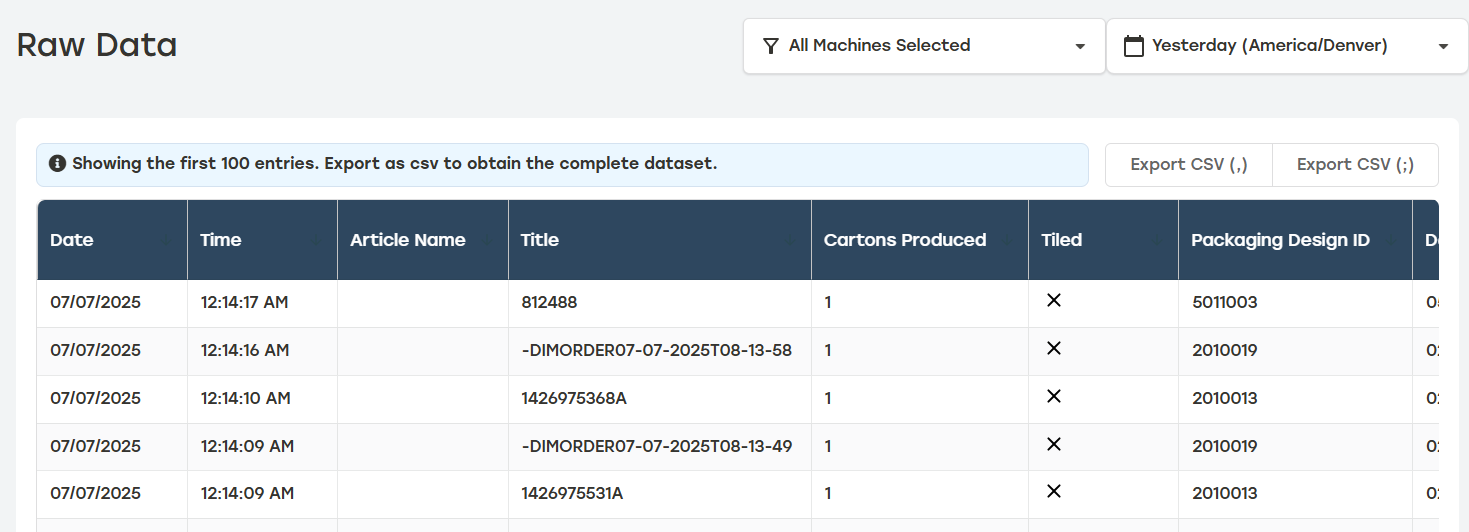
Raw Data allows customers to download actual data from the machines to use on other visualization tools when desired. Raw data displays in either square meters or square feet depending on the Unit of Measure selected in Settings. PackNet Report only shows the first 100 entries for a selected time frame. To see the full dataset, export the data either from the heading or the menu at the top of the page. For more information see the PackNet Core User Manual [MANUAL-00009].
Exporting Raw Data
Go to the Raw Data page.
Select the desired machines and date range from the dropdown menus at the top of the page.
Select either Export CSV (,) or Export CSV (;) to export the data. The data will be exported with either a comma or semicolon separator depending on which option is selected.
When the data is exported, a message will display indicating a successful download and how many entries were included. When the query is too large, the user will have to use the filter to reduce the number of entries included in the export.