Configuration Audit
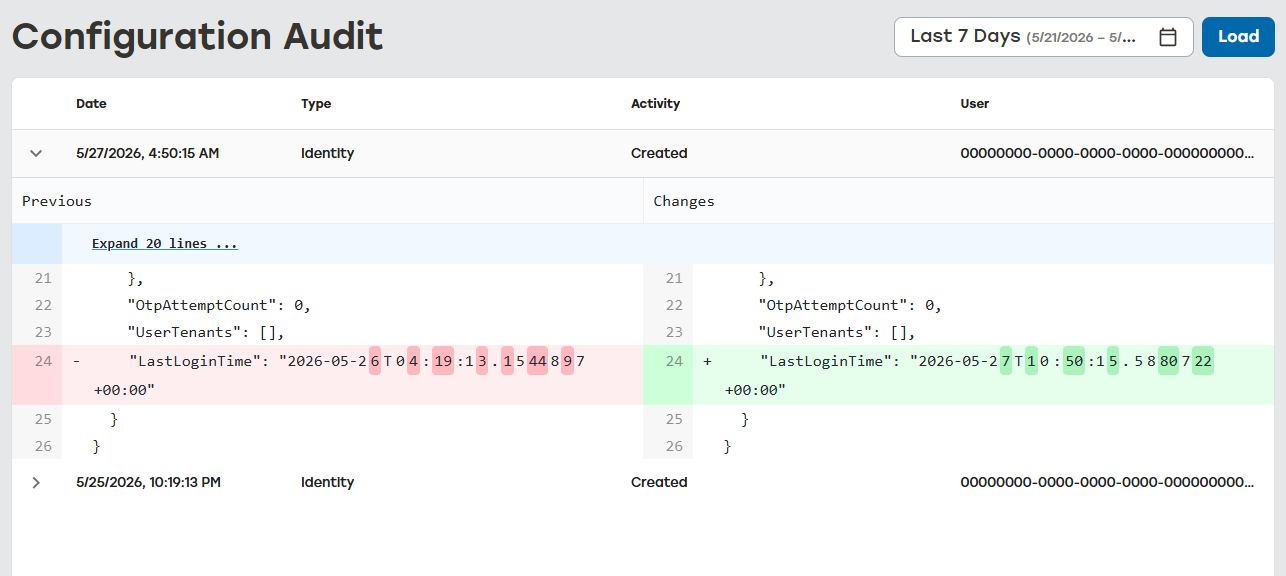
Configuration Audit provides a record of all configuration changes for the customer’s environment. When a change is made to the environment, the date, activity, and user information is recorded. This provides a way to understand when a change was made, what change was made, and who performed the change.
Configuration Audit
Go to the Configuration Audit page.
Select calendar, and enter the date range by doing one of the following:
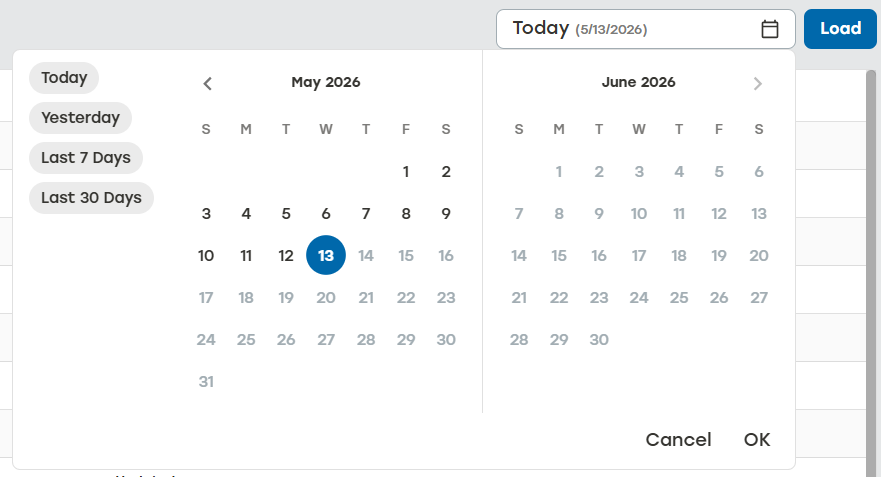
Select one of the predefined date ranges. The date range will be applied instantly.
Select a unique date range. Select OK to apply the custom date range.
Select Load.
View the available data for the set time frame.
Date: Date and time the activity occurred
Type: What type of PackNet item was impacted
Activity: What happened
User: Who made the change
Select the arrow icon
 for a detailed view of the activity.