Dashboard Functionality
Each dashboard has common functionality. Each page will show the following:
Dashboards and cards
Ability to change facility (if permissions allow)
Machine Filter
Change timeframe
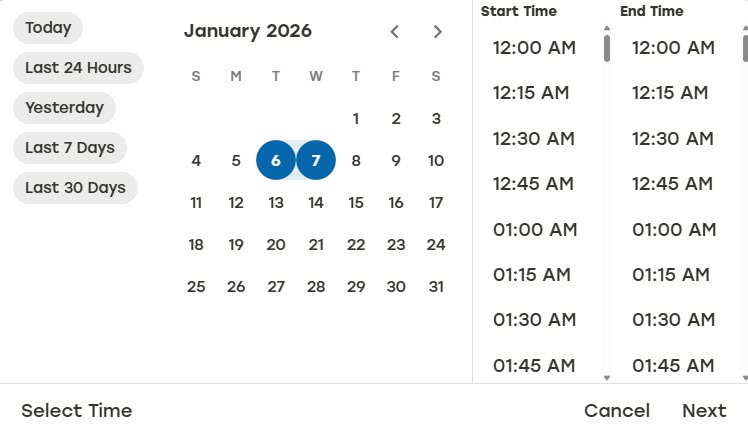
Today
Last 24 Hours
Yesterday
Last 7 days
Last 30 days
Custom - Enter a custom start and end date that does not exceed one year. Select OK to submit.
Select Time - Enter a start time and end time within a 24 hour period. Setting the time frame is optional. The default is the full 24 hour period. Select Select Time to open the time selection, and then select OK to submit.
Cards
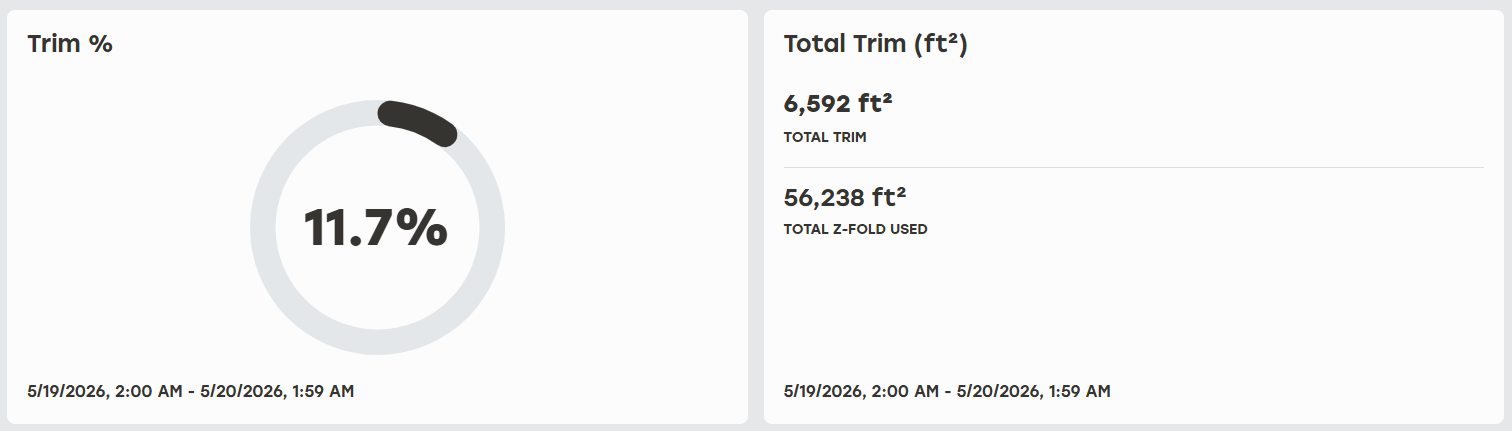
Each dashboard is organized by use cases like Carton Production so it is easy to understand what information will be available. Dashboards consist of cards that include metrics, charts, and data.
 |
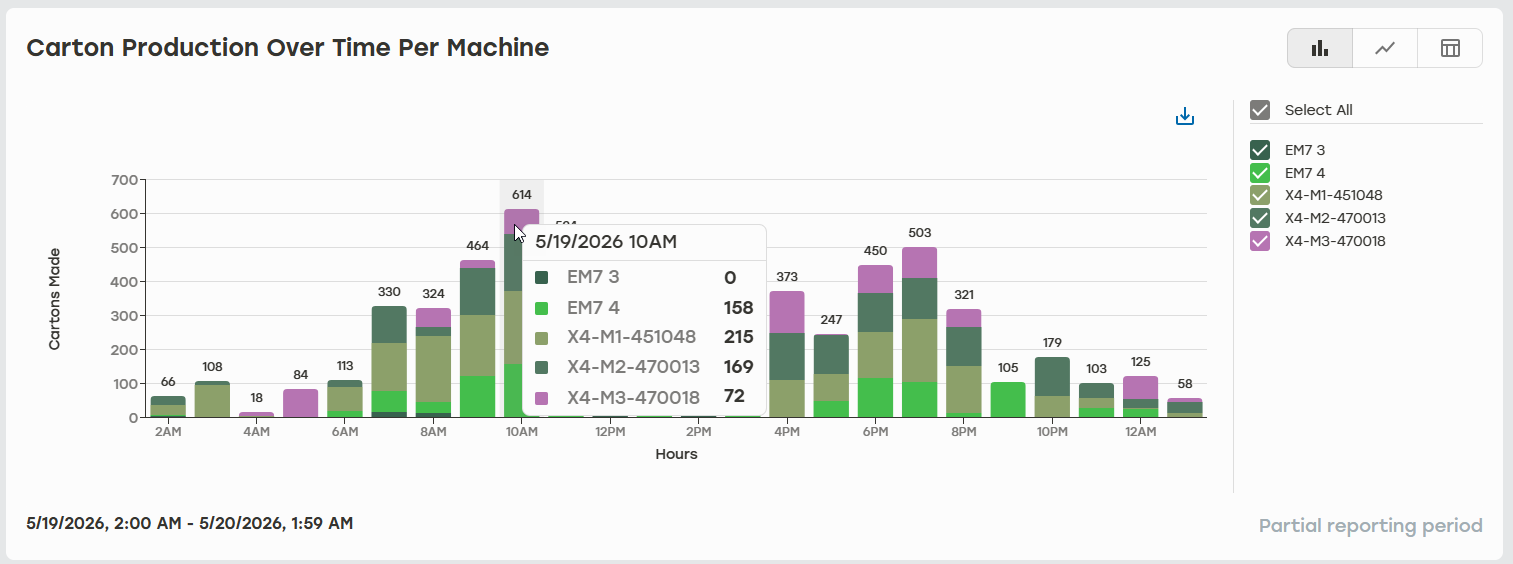
Some of these cards may be interactive and display additional information when hovered over.
 |