Importing Products
Users can create multiple products at once by importing a JSON or CSV file containing the product configurations. The import feature can also be used to update existing products by replacing the existing product data with the new information on import. Any products that already exist in the database that aren't listed in the JSON or CSV will remain unchanged.
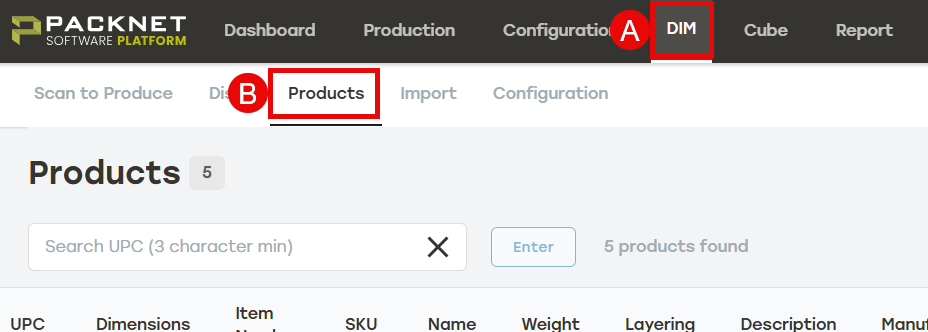
Navigate to the Products tab within PackNet DIM.
Select the Add products menu.
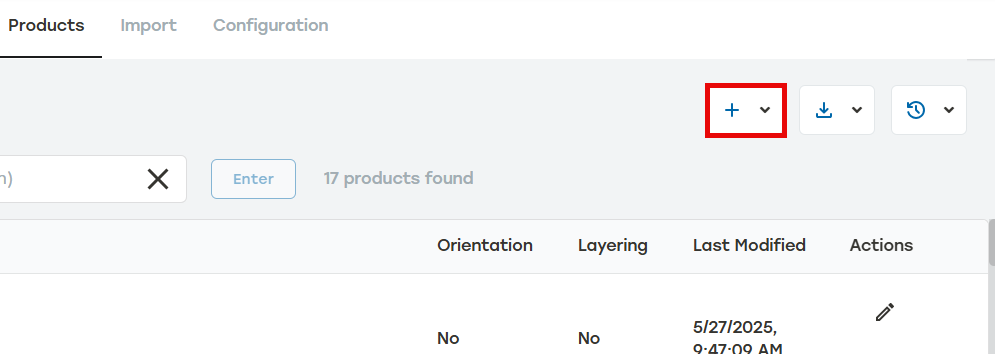
Select Import from file.
Select the file containing the saved product configurations by doing one of the following:
Select Select File, go to the file, and then select Open.
Drag the file to the Import Saved Jobs dialog.
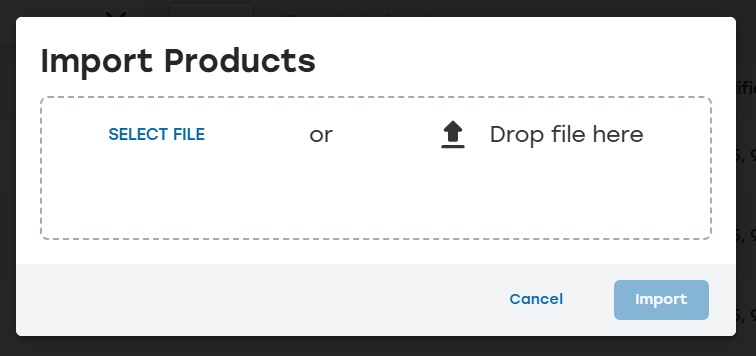
Select Import.