Add Planned Production
Go to the Planned Production page.
Select the arrows to choose the date for the schedule. Users can go to the current date by selecting today.
To schedule production, select and drag the time to the right of the desired machine. Scheduled productions can be updated by dragging them to the desired time slot.
Select the Planned Production entry.
Enter information for the Planned Production as needed:
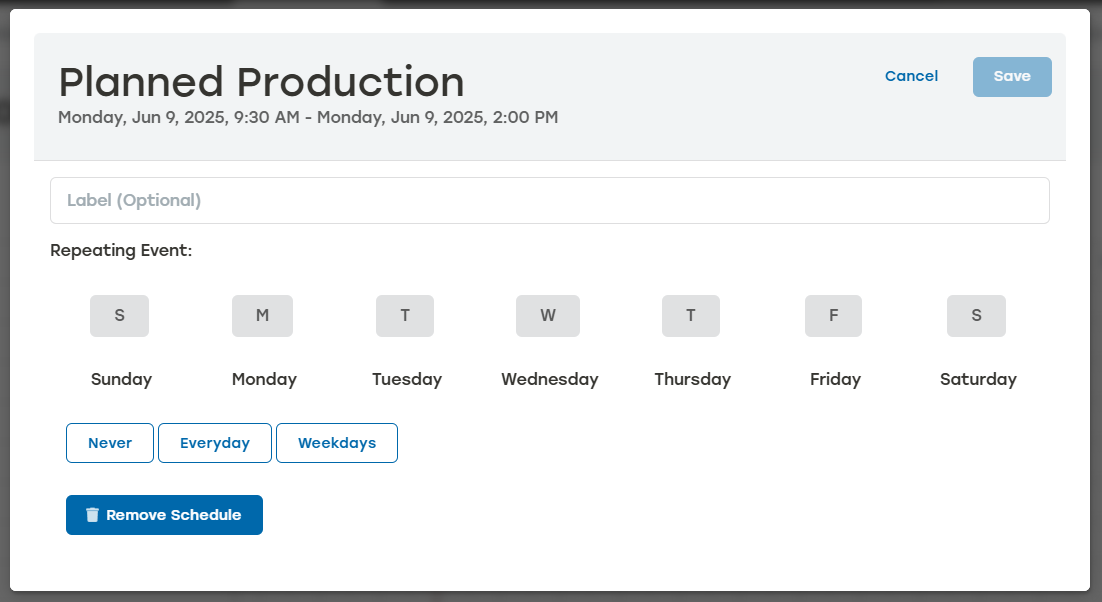
Label: This is added to the Planned Production title in parenthesis.
Repeating Event: Select when this Planned Production repeats by either selecting specific days, Everyday, or Weekdays. To remove the Repeating Event, select Never.
Select Save.