Alternate DISTO Workflow
Note
There are plans for this workflow to be deprecated. The Disto page should be used instead.
Item dimensions can be scanned using a Leica DISTO device. Because the dimensions are already calculated outside of DIM, Scan to Produce is just the apparatus to get the box to production.
Pair the DISTO using Bluetooth.
Hold down the cubing button on the DISTO to cycle through the output formats. in. decimal or mm are acceptable formats. These values should match the unit of measure set for the tenant.
Take the first measurement using the DISTO device. This will open the Disto Input dialog.
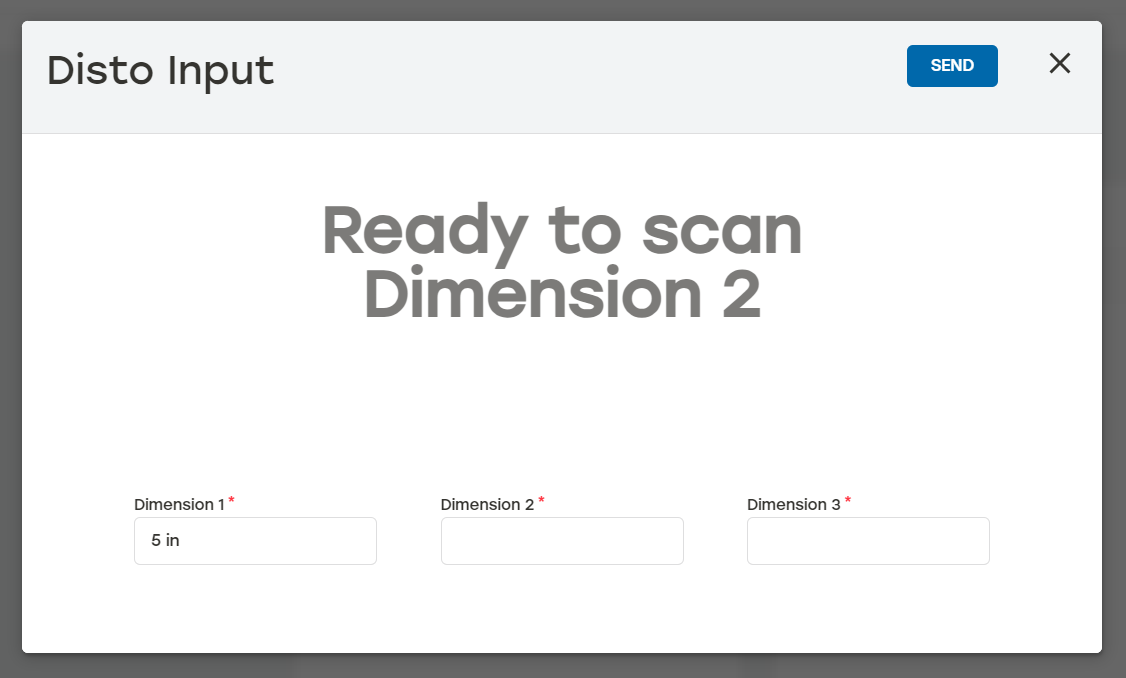
Take the measurements with the DISTO.
Select Send to send the job to production.