Enable Closing
Users must configure Import Pipeline rules for Closing. This is done by creating an Add Closing to Carton rule action. This means the instructions and automation for the closing will be defined at the same time cartons are generated.
Enable Closing with an Add Closing to Carton Rule
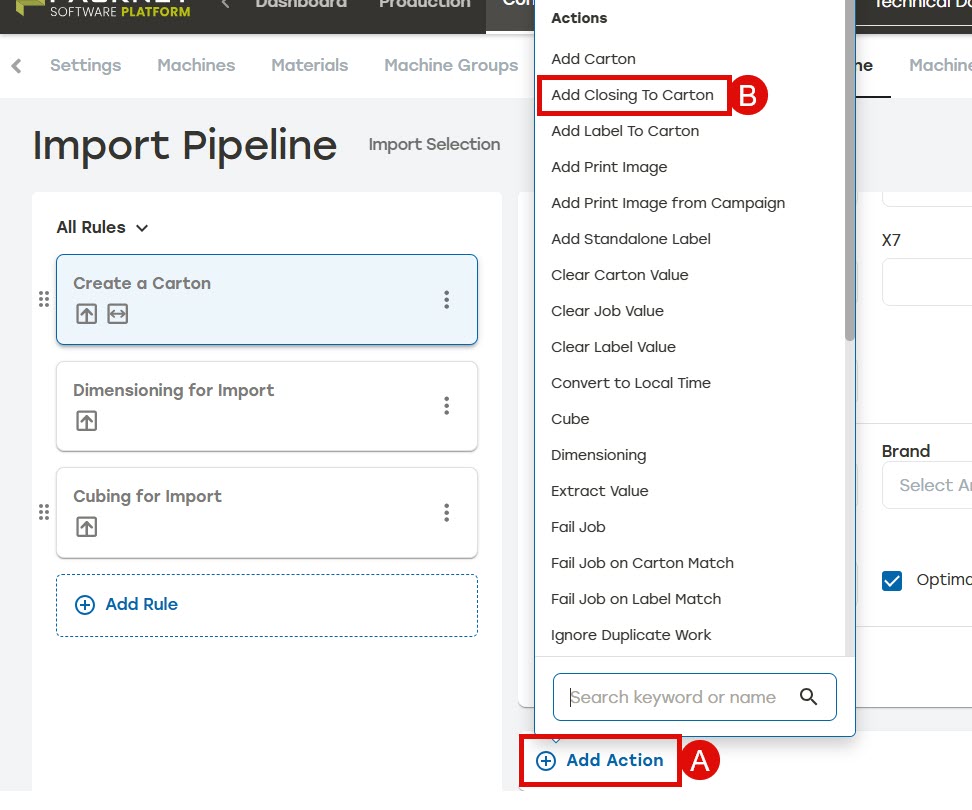
On the Import Pipeline page, go to Rules.
Select Add Rule or select an existing rule to edit.
Enter the rule information as needed.
Select Add Action.
Select Add Closing to Carton.
Select For all or When.
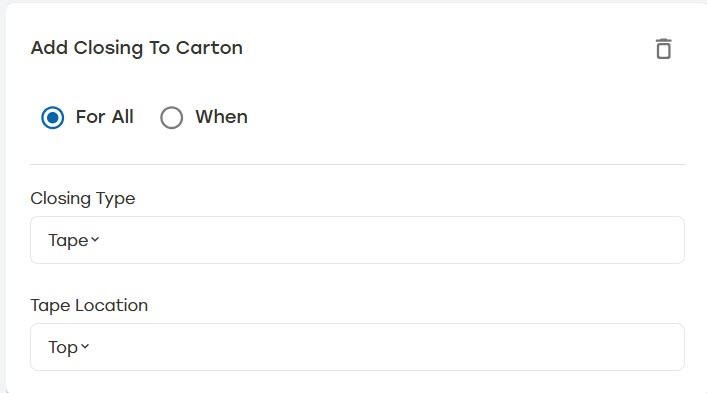
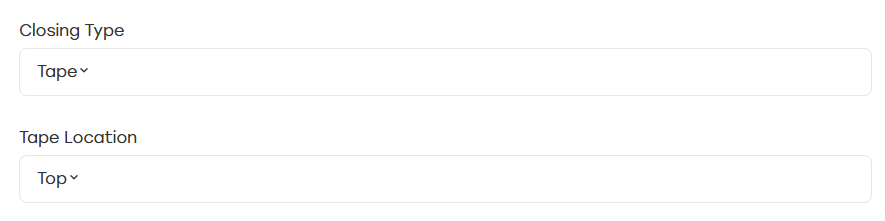
Select Closing Type.
When selecting Tape, users must select a Tape Location.
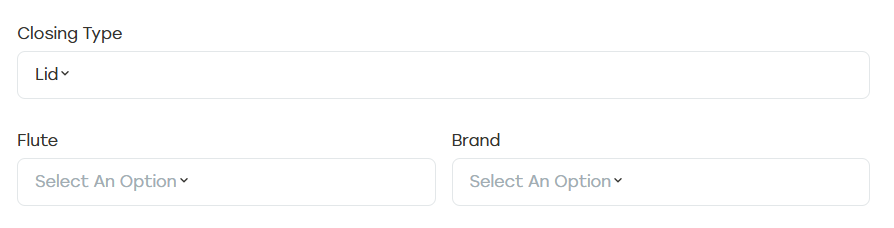
When selecting Lid, users have the option to select Flute and Brand.
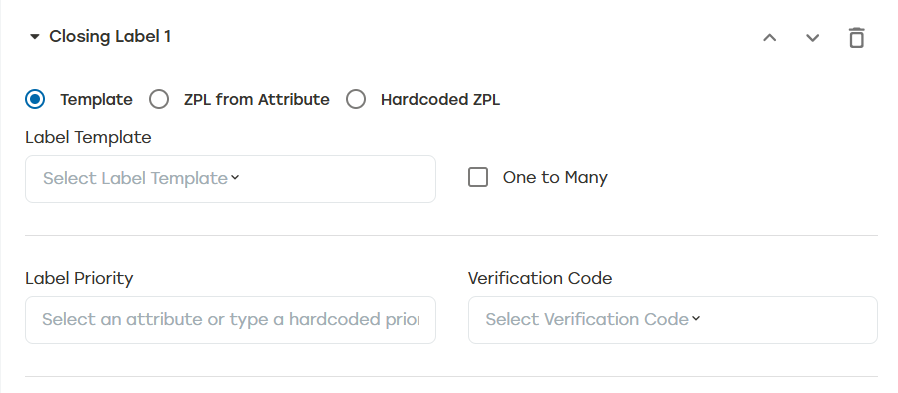
When desired, select + Closing Label and enter the closing label information as needed.
Note
This option is only available when selecting Lid.
Select Save.